Hello! I'm currently trying to update the color scheme on my website, but I'm running into issues changing the background color on some blocks as well as the body of each page. From what I can tell, it seems to be affecting elements that I previously gave a color directly rather than through a class. When I try to change that color, it doesn't update on the element. Blocks that don't have a color already update just fine, as do elements colored through a class.
I was able to solve the issue for some elements by simply deleting & rebuilding them. Cutting/copying & pasting them didn't work. However, it's also affecting the body for all of my pages, which I can't delete & rebuild in the same way. It seems like the issue might be due to the previous color information being saved, but the place where it's saved not being accessible. I remember experimenting with background colors a few days ago and it worked as expected then, so this might be a bug caused by a recent update.
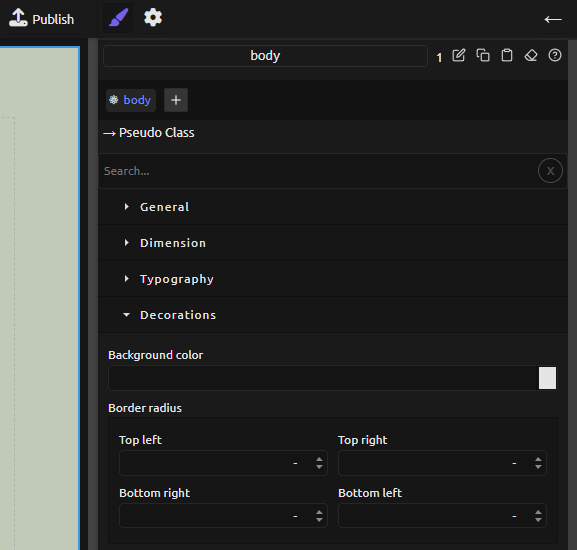
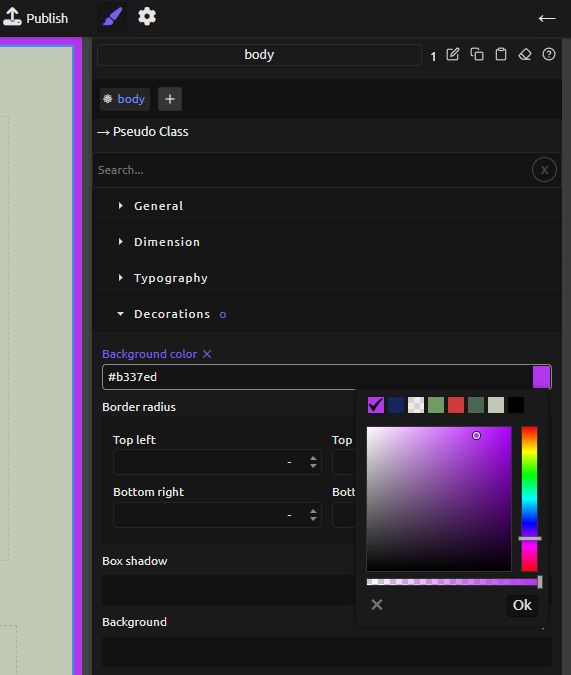
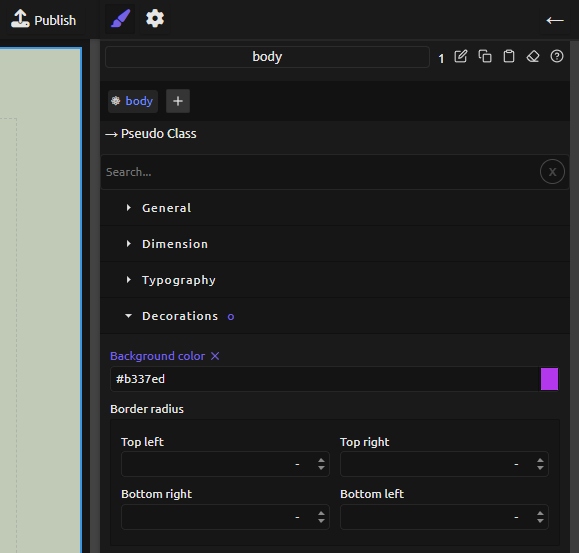
I've attached a few screenshots to help document the issue I'm having and hopefully make it easier to resolve. Currently, my body's background color is a very light green. There seems to be a thick black border around the page which is also new (photo 1), and I do not have any settings activated on the body which would create a border or outline. When I try to update the background color, the new color is temporarily shown in this border, but not the body itself (photo 2). When I click on any other element on the page preview, the border turns to black again and the body still does not change color (photo 3).
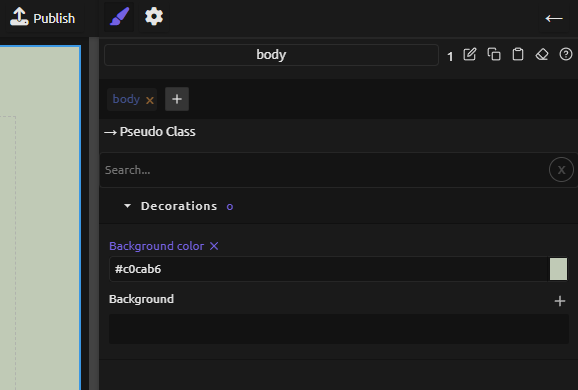
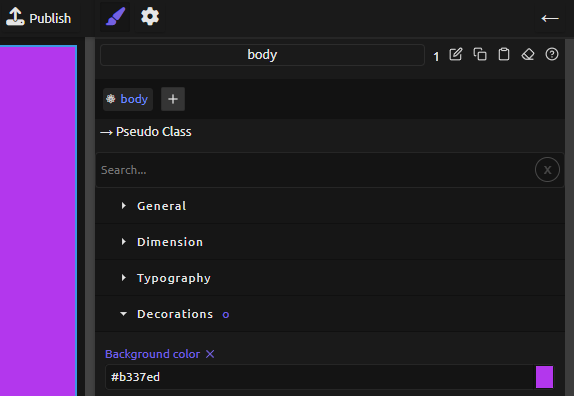
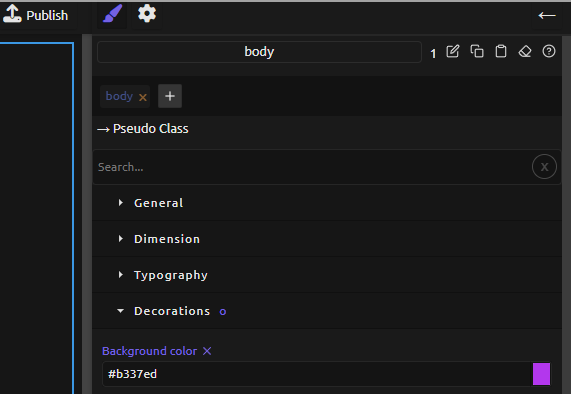
When I try to click on the "body" tag at the top of the Style Manager, it briefly shows only a Decorations menu, with the background color set to the original light green (photo 4). It only appears for a fraction of a second before the body tag automatically turns back on and the original menu appears again. When I try creating a new page where the body doesn't have a preset background color, the attempted color change works as normal (photo 5). Clicking on the body tag instead makes the screen flash black, but the updated background color's hex code still appears in the Style Manager (photo 6). The body tag still immediately turns itself back on.
Assistance on this matter is appreciated. My thanks and take care!